Compress PDF Online for Free
Reduce your PDF to 200KB, 100KB, 1MB, or any size you need in just a few clicks. Get fast, accurate, high-quality PDF compression – completely free.
 Free Online PDF Compression
 With No Sign-Up
 Flexible Options to Shrink PDFs
to Any Size
 Compress PDFs Fast
 Without Quality Loss
How to Compress PDF Online for free?
Compress PDFs online for free with adjustable compression levels or precise size targets – all in just a few simple steps.
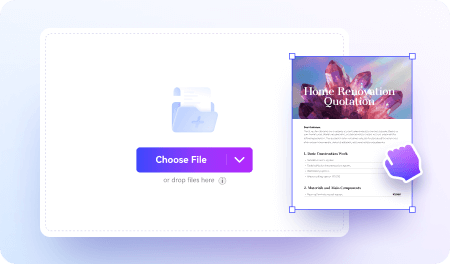
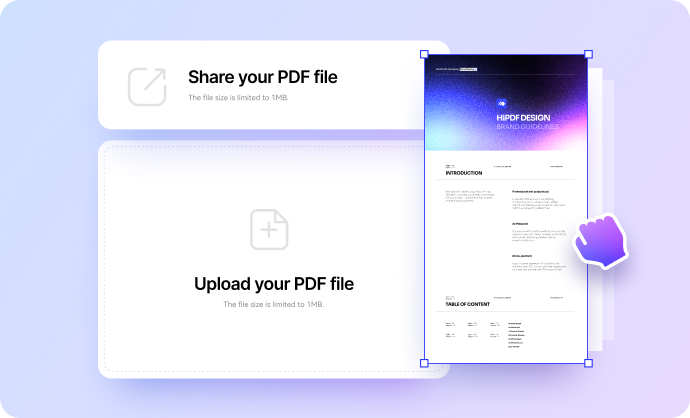
Upload your PDF files to the online PDF compressor.
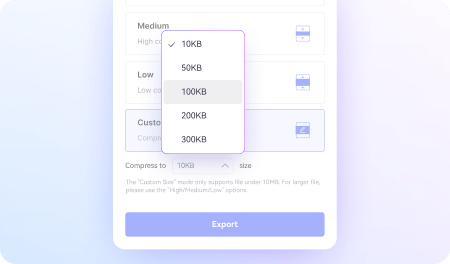
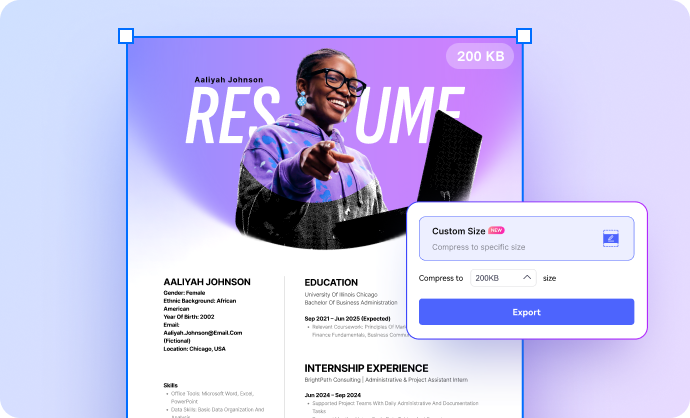
Choose a compression level or enter a target size (e.g., 200KB).
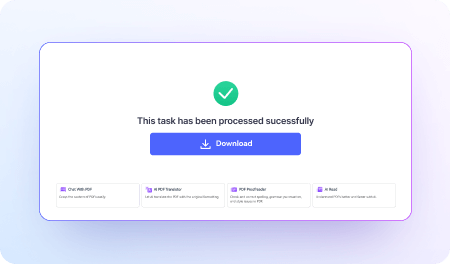
Click Compress to get your reduced PDF instantly.
Why choose our online PDF Compressor?

Free Online PDF Compression
Compress PDFs online for free with no sign-up, no installation, and no hidden limits.

Compress PDF Without Losing Quality
Reduce PDF size while preserving text clarity, image detail, and layout integrity.

Reduce PDF With Flexible Quality Settings
Choose Low, Medium, or High compression levels to shrink PDFs while matching your quality needs.

Reduce PDF to an Exact Size Easily
Set precise output sizes – such as 200KB, 100KB, or 1MB – to meet email, portal, and upload requirements.

Fast and Accurate PDF Compression
Compress large PDFs quickly and efficiently with high-precision optimization.

Batch PDF Compression
Compress multiple PDFs at once for fast, efficient, and consistent compression results.

Compress PDF on Any Device
Compress PDFs on Windows, Mac, iPhone, Android, or any browser without downloading extra software.

Secure and Private File Handling
All files are encrypted during upload and automatically deleted after processing to protect your privacy.

Easy Drag-and-Drop Interface
Start PDF compressing instantly by simply dragging your PDF into the tool.
Free Online PDF Compressor for Everyday Use
An easy-to-use online PDF compressor for students, professionals, and everyday users. Reduce PDF file size for free anytime, anywhere, and make your documents easier to upload, email, and share.
Shrink PDF Files to Fit Upload Limits for Job Portals, School Applications, or Government Forms.
Easily reduce PDFs to 200KB, 100KB, 1MB, or any target size so resumes, contracts, transcripts, bank statements, visa documents, and official forms upload without errors. Perfect for job portals, school applications, government websites, and any platform with strict file-size limits.
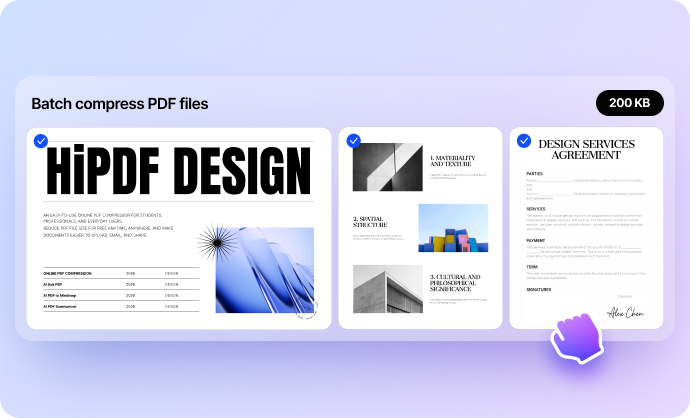
Compress Multiple PDFs at the Same Time for Faster, More Efficient Workflows.
Whether your file is too large for email, won’t upload to cloud storage, or needs to be shared across teams, HiPDF makes compression fast and accurate. Choose Low, Medium, or High compression and keep the layout, fonts, and formatting intact.
Quickly Reduce PDF Size for Email, Sharing, and Daily Workflows.
Make oversized documents easier to send and share by compressing reports, applications, surveys, and legal PDFs in seconds. Ideal for emailing attachments, posting materials online, collaborating with teams, or storing files efficiently.
FAQs about Compressing PDFs Online for Free
-
Can I compress a PDF to a specific size, like 200KB or 100KB?Yes. HiPDF includes an Exact Size option that lets you enter the desired size (e.g., 200KB, 100KB, 1MB). The tool automatically adjusts resolution and optimization settings to meet strict upload limits for job portals, school applications, and government forms.
-
Is it possible to compress a PDF without losing quality?
Yes. HiPDF lets you compress PDFs without losing quality by optimizing images and keeping text, fonts, and layout intact. Use the High compression option to reduce file size while preserving clear, readable results for sharing, printing, or uploading.
-
What is Hyper Compression, and when should I use it?
Hyper compression is an advanced optimization method that significantly reduces PDF size by lowering image resolution and removing unnecessary data. Use it when you need the smallest file possible for strict upload limits, email attachments, or large documents that standard compression can’t shrink enough.
-
How can I compress large or scanned PDFs?
You can compress large or scanned PDFs by reducing image resolution and removing excess data. HiPDF’s High, Medium, Low, and Custom Size options help reduce file size while keeping files readable for email, uploads, or storage.
-
Can I compress multiple PDF files at once?
Yes. You can compress multiple PDF files at once using a batch compressor. HiPDF supports batch PDF compression, letting you upload several files together and reduce their size in a single process for faster, more efficient workflows.
-
Can I compress a protected or encrypted PDF online?
Yes. You can compress a protected PDF online if you have the password. HiPDF supports password-protected PDFs and lets you reduce their size after verification. Upload the file, enter the password to unlock it, choose a compression level, and start compressing. Download the reduced PDF once the process is complete.
-
Can I compress PDFs on my phone or tablet?
Yes. You can compress PDFs on your phone or tablet using a mobile-friendly online tool. HiPDF works on iPhone, iPad, and Android, letting you upload a file, choose a compression level, and download the reduced PDF directly from your browser.
More than PDF Compressor
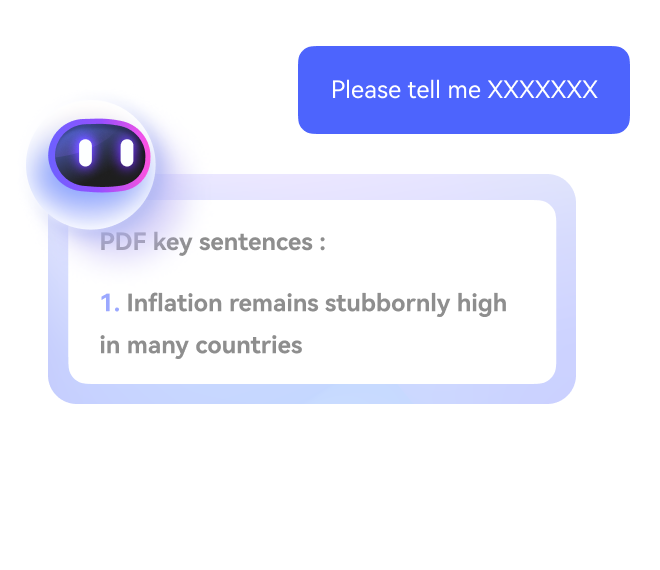
Supercharge your PDF processing with AI

Free online PDF tools for all purposes

HiPDF Online Tools quality rating:

4.8
(188,357 Votes)You have to upload and download at least 1 file to rate! We've already perfectly processed 307,292,373 files with a total size of 10,124 TB
Daniel W.
Freelance Graphic Designer
Batch compression saves me so much time. I compressed 12 PDFs at once for a client submission. Quick, clean, and super convenient.
Hannah S.
Teacher
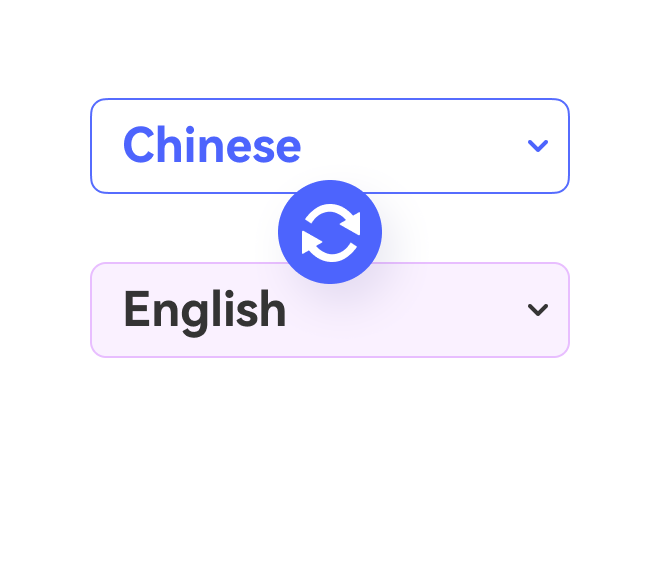
As an educator, I often need to translate materials into multiple languages for my students. This AI PDF Translator has been a game-changer for me. It’s easy to use, accurate, and supports a wide range of languages. Highly recommended!
Jason L.
College Applicant
I needed to compress my PDF to 100KB for a school application. The portal only accepted files under that limit. HiPDF’s exact size control made it simple – I just typed in 100KB and downloaded a clean, readable PDF.